CRM Automation 6 min read
How CRM Automation Helps You Stop Losing Leads
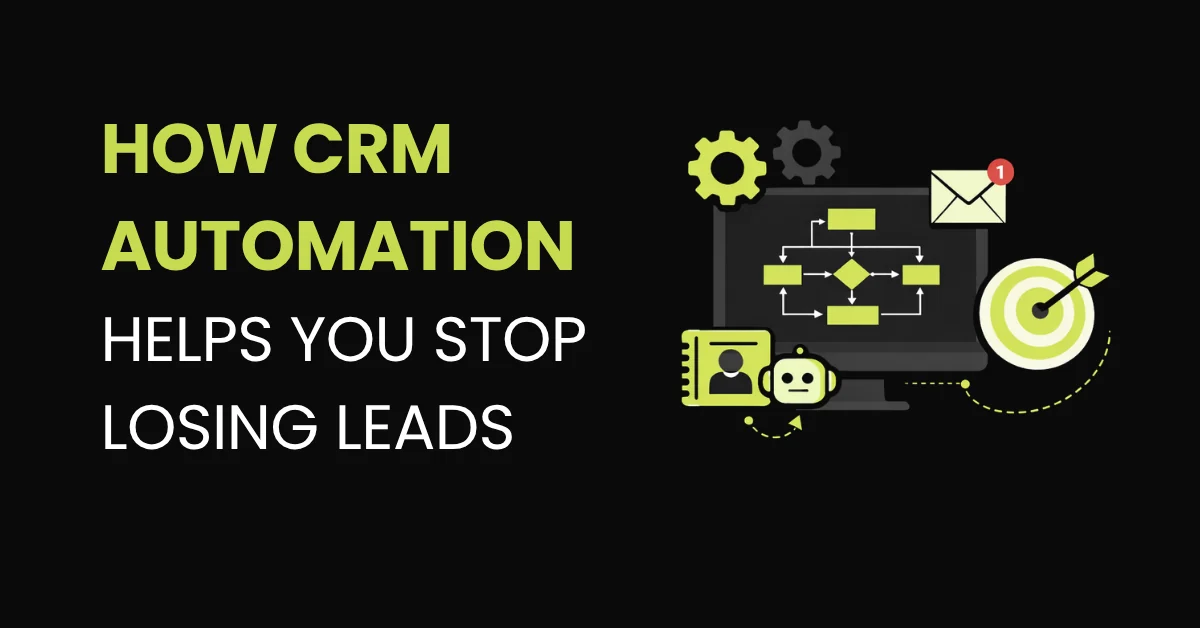
Most CRMs store lead data. An automated CRM actively routes, tracks, follows up, and tells your team what needs to happen next.
On this page
Most service businesses have a CRM. The problem is that most of those CRMs are effectively static databases: a place where lead data lives, not a system that actively works to convert it.
Contacts get added manually, or not at all. Pipeline stages get updated when someone remembers. Follow-up happens when someone has time. The result is a CRM that tells you where leads were, not where they are, and certainly not what needs to happen next.
CRM automation changes the operating model entirely. Instead of a passive database, the CRM becomes an active system that routes, tracks, and acts on every lead based on rules you set in advance.
Your CRM should tell you what needs to happen next, not just what happened last week.
Manual CRM management doesn't scale
When your team handles five leads a day, manual CRM management is annoying but manageable. When you are handling 50 leads a week from multiple sources like Facebook ads, Google, your website and referrals, it breaks down completely.
Here is what breaks:
- 01 Leads never enter the CRM Leads don't get added at all, because no one has time.
- 02 Pipeline updates happen late Stages are updated days after the actual activity happened.
- 03 Follow-up depends on staff availability It falls to whichever team member is least busy that day.
- 04 Cold leads and neglected leads look the same Nobody can tell whether a lead went cold because of no follow-up, or because they were genuinely not interested.
- 05 Reporting becomes unreliable The data is inconsistent, so the numbers can't be acted on.
This isn't a people problem. It's a process problem.
The process requires too many manual steps that don't consistently happen.
What CRM automation actually fixes
Automatic lead intake from every source
A properly configured CRM connects directly to every lead source: your website form, Facebook lead ads, Google ads landing pages, inbound calls, even missed calls. Every new lead creates a contact record automatically, tagged with the correct source, assigned to the right pipeline, and ready for the appropriate workflow to trigger.
Manual
- Someone checks the Facebook inbox
- Someone creates the contact
- Someone updates the stage
Automated
- The lead creates the contact
- The source is tagged
- The pipeline is assigned
- The workflow starts
No manual entry. No missed leads because someone forgot to check the Facebook inbox.
Automatic pipeline stage movement
Pipeline stages move based on actions, not on someone remembering to update them. When a lead replies to a message, their stage updates. When they book an appointment, they move to "Booked." When an appointment is completed, they advance to "Closed" or enter a re-engagement workflow. The pipeline reflects reality in real time.
Triggered follow-up sequences
Every new lead enters a follow-up sequence automatically. The sequence sends a structured series of SMS and email messages over days or weeks, stopping as soon as the lead responds or takes a defined action. You never follow up manually. You never miss a lead because it got buried under newer ones.
If your CRM is mostly historical, it is not working for you.
Lead routing and ownership
Different types of leads can be automatically routed to different team members based on source, service type, geography, or any other condition you define. No more "whose lead is this?" conversations. The system assigns it, notifies the right person, and records who is responsible.
Re-engagement for stalled leads
Leads that go quiet, with no response after a certain number of days, automatically enter a re-engagement workflow. A different message, a different angle, sometimes a different channel. Some of these leads weren't ready before. Now they are. The system catches them without your team having to remember to follow up on month-old contacts.

A dental enquiry should not depend on someone remembering to follow up.
-
Trigger
New patient enquiry Enters the pipeline instantly, regardless of how it came in.
-
Within 60 sec
SMS response The lead hears back before they move on.
-
+2 hours no reply
Second message Sent automatically if the first one goes unanswered.
-
If interested
Booking link They pick a slot themselves. No phone tag.
-
On booking
Confirmation and three reminders Sent on a schedule, every time.
-
+30 min no show
Rescheduling message Fires 30 minutes after the missed appointment time.
None of this requires the front desk team to manually track anything. They focus on the patients in the chair. The system handles everyone else.
This is the core use case for GoHighLevel automation in service businesses. The platform lets you build exactly this kind of automated pipeline, from lead intake through to conversion and post-appointment follow-up, with full visibility at every stage.
The reporting benefit
A secondary benefit of automated CRM management often gets overlooked: your data becomes trustworthy. When pipeline stages move automatically based on actual activity, your conversion rates, average time-to-book, and source attribution data are accurate.
You can answer questions like:
- 01
Which lead source produces the highest-quality leads?
- 02
Which stage of the pipeline has the most drop-off?
- 03
How long does it take from first contact to booked appointment?
These answers guide where you spend your ad budget and how you adjust your follow-up sequences.
With a manually managed CRM, these numbers are usually too unreliable to act on. With automation, they become one of your most valuable business intelligence assets.
Automation is not about replacing your team. It is about making sure the repetitive steps happen every time.
Capture Route Follow up Book Measure
Your CRM should be working for you.
Book a strategy call and I'll review where leads are entering, where follow-up breaks, and what an automated pipeline could look like for your business.